Design · ship Sep 25, 2026
Squints
Free Chrome extension — measure, grid, colour, fonts, and scrub animations on any live web page.
Free Chrome extension that overlays design-inspection tools on live pages: spacing, guides, grids, colour pickers, rendered fonts, marks, slow-mo/scrub animations, capture.
Why on the board
Verified live 2026-09-26 on squints.app (HTTP 200). Product Hunt featured 2026-09-25 (~#15 / ~78 upvotes on hunted.space; ~1d). Design is dense with screenshot kits and generative studios; no listing for free live-page measure/grid/font/animation scrub for design engineers (distinct from Screenify Studio / Polishory ASO kits and SeamlessCanvas textures). Chrome-extension scope; early craft tool.
What it is
Squints (https://squints.app/) is a free Chrome extension that puts design-inspection tools on top of any live web page. You can measure spacing and boxes, drag rulers and guides that snap, overlay a column grid remembered per site, pick colours (including tokens when present), identify the font that actually rendered, draw marks on the page, slow animations or scrub them, and capture a screenshot or recording of the result. The makers position it for design engineers who finish work in the browser — Figma-like measuring where the real CSS lives — with no account and no tracking called out on the marketing page. We verified the site HTTP 200 on 2026-09-26.
Who it is for
Design engineers and frontend makers who constantly check spacing, type, and motion on production or staging URLs, not only inside a design file. Distinct from Screenify Studio / Polishory (ASO and store screenshot kits) and from SeamlessCanvas (texture generation): Squints is inspect-the-live-page. Less useful if you never leave Figma, or if you need a full browser design system editor. On this board it sits in Design next to PostBox / Causal / Doop / Flicka as a live-page craft tool rather than another generative media studio.
Why we listed it
Fresh public launch: Product Hunt featured Squints on 2026-09-25 (~#15 / ~78 upvotes on hunted.space; ~1d). Design is crowded with screenshot and generative tools, and no listing covers free live-page measure / grid / font / animation scrub for design engineers. Honest caveat: Chrome-extension scope only; we have not audited every CSS edge case or compared precision to native DevTools.
Caveats
We have not published a long QA pass across heavily animated marketing sites or shadow-DOM apps. Extension permissions and store listing details can change — read the Chrome Web Store page before install. Always send people to squints.app. Not a replacement for Figma, Storybook, or a full visual QA platform.
Next step
Try Squints
External product site. We write our own notes — we don’t paste vendor marketing.
Open Squints →For the maker
Built Squints? Add the listed badge
Drop this in your site footer or README so visitors can read our independent notes on your product. Optional and free — a listing never depends on a backlink.

<a href="https://sudoai.net/launches/squints/" target="_blank" rel="noopener"><img src="https://sudoai.net/badges/listed-on-sudoai-light.svg" alt="Squints — listed on sudoai.net" width="162" height="54" /></a>The badge links to this page. Use it only for products on the board — we don’t hand out rank or “featured” badges.
Notes are original sudoai.net curation for makers. Facts checked against the live product URL on list day; features and pricing change — verify on the vendor site before you buy or integrate.
More in Design
Doop
Infinite multiplayer canvas for humans + MCP agents (Claude Code, Codex, others): streaming frames, shared design memory/taste, comment→task, self-review via headless renderer, URL import, live frame exports; free in beta; open source (Docker + Postgres).
PostBox
macOS 15+ app: drop exports on the MacBook notch, one caption, multi-network post (YouTube/Threads/Instagram/Bluesky/Dribbble/LinkedIn/TikTok + more); carousels, schedule, multi-account; free, no account required for core flow.
SeamlessCanvas
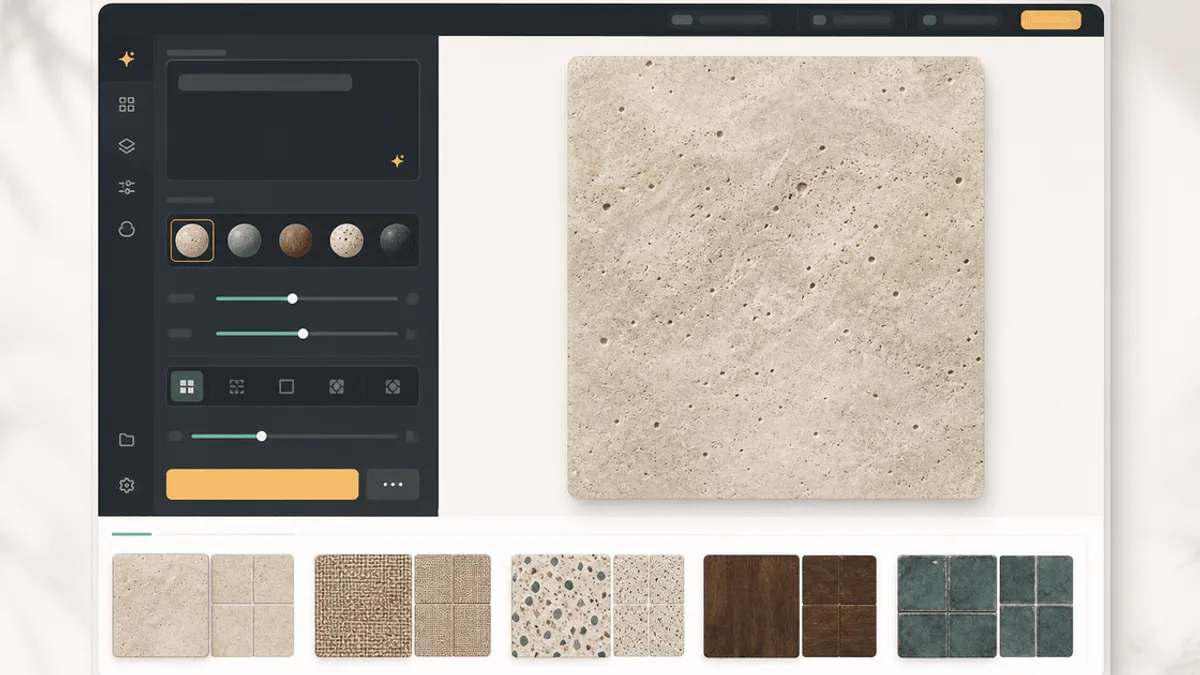
Make images tileable in-browser: edge repair, 3×3 repeat checks, free 512px export; guests get limited standard/AI repairs; Starter/Creator/Studio from about $19.90–$79.90/mo.